

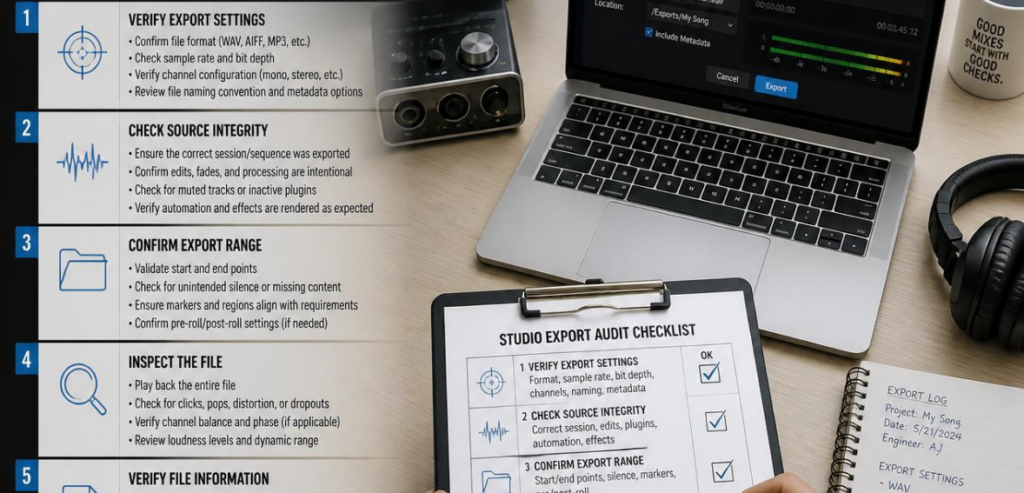
You watched the demo. The dashboard looked neat. The salesperson was friendly. And now there’s a contract on your desk. Before you sign, there is a question you need to ask: can you ever take your data with you?
Everything important in your business is stored in your studio software. Client data, payment data, records of bookings and memberships, class attendance data, notes you’ve made. Most studio owners never check whether they even have the capability to retrieve said data, and most only remember to check the day they want to leave the business.
This is where buying studio software and data ownership collide. This is why a complete export audit of your studio software data should be the first step in your buying process and not the last. So, let’s see how this can be done right.
Why Studio Software Data Export Is a Procurement Decision
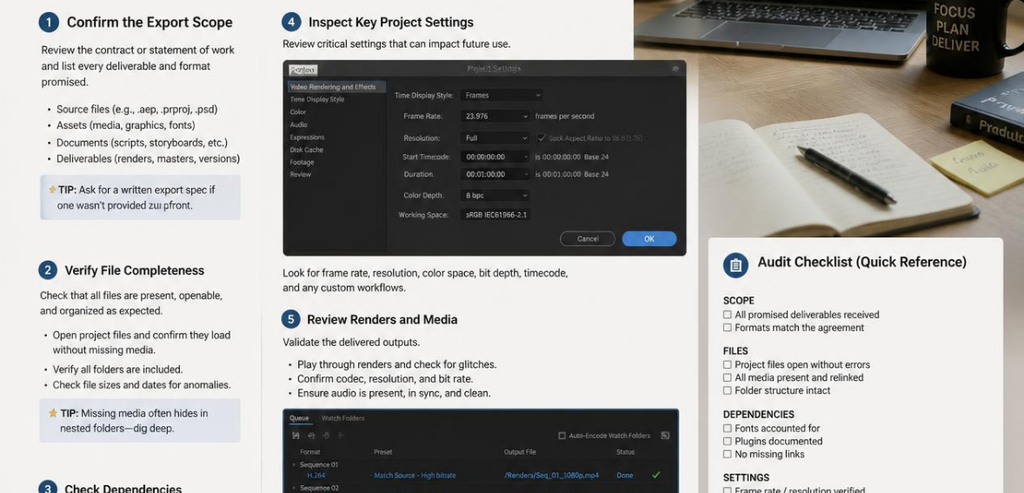
Purchasing studio management software is unlike buying a treadmill. You’re not just paying a vendor for software. You’re handing over your customer relationships. Every booking, invoice, and waiver will be handled through that system.
Not being able to export data is a real business risk, not a technical one. Being unable to switch vendors means being unable to control all of the terms of your contract. You have no choice but to accept the overblown prices and subpar service and products. In reality, you’re forced to do business with them. This process is expensive and usually done discreetly.
The majority of owners who reported switching to other systems said the migration of data was the toughest part of the process. If the vendor’s tools are insufficient, this pain is not an oversight. Many vendors have maintained their clientele by introducing this pain. By viewing the export of studio software as a deal breaker, you can make the outcome of this situation work to your advantage.
Data Ownership vs Data Access: Know the Difference
Nearly every contract includes a line saying you “own your data.” It sounds reassuring. It often means very little in practice.
Ownership in physical and electronic forms is not the same. While contracts may state that customers “retain ownership,” they do not explain what would happen if you wanted to actually access your data. They do not explain the format of the data, the costs, or how you could obtain your data. You may legally own data that you have no way of obtaining a copy of.
The best contracts state that customers have ownership of the data and the associated intellectual property, that customers have the right to download their data for free and at any moment, and that customers have the right to transfer their data to a different provider when their contract has ended. The agreed-upon export format should fall under this agreement. Legal resources on SaaS data ownership and exit strategies state that if your contract does not address the previous four issues, you may find the shortcomings of your contract to your detriment at the worst possible time.
A Buyer’s Checklist to Audit Studio Software Exports
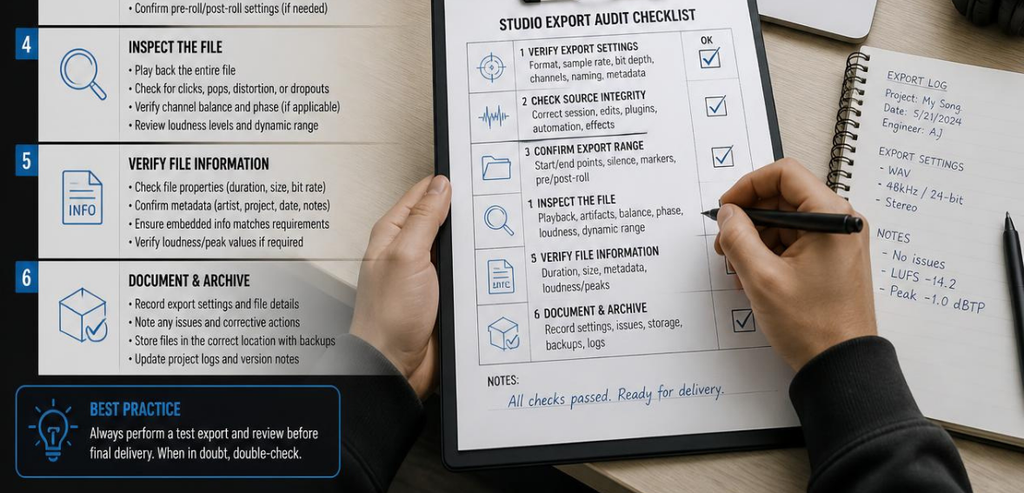
Here is the one checklist to run before you commit. Work through each item with the vendor, and get answers in writing.
- File format. Confirm you can export in open, standard formats like CSV or JSON. A proprietary format you can’t open elsewhere is a trap. Industry reviews suggest roughly 40% of software contracts fail to guarantee free export in open formats, so this is worth confirming, not assuming.
- Scope and completeness. Ask exactly which records come out. Client contact details, transaction history, membership status, appointment logs, and staff notes should all be included, not just a thin name-and-email list.
- Cost. Some vendors charge a fee to release your own data. Confirm export is free during the term and reasonably priced, if not free, after termination.
- Self-serve vs. vendor-assisted. The best option is a self-service export you can run anytime. The fallback is a vendor-assisted export delivered within a defined number of days.
- Post-termination window. Nail down how long you have to retrieve data after you cancel. A common protection is at least 30 days before anything is deleted.
- API access. An open, documented API makes ongoing exports and future migration far smoother than a one-time file dump.
- Deletion and certification. Confirm the vendor deletes your data within a set timeframe after you leave and will certify it in writing.
Test the Export Before You Sign Anything
Promises in a demo are cheap. A live test is proof. This single step separates careful buyers from hopeful ones.
During the trial or free period, have the vendor run a real data export. Then download the data and see whether it is tidy and structured or if it is a messy export that would take weeks to clean. Not having essential data fields for a sample record is bad, but imagine if you had to fix that for every single one of your clients.
If the export is a hassle for the vendor, if the vendor is reluctant, if the process stalls, or if the export is messy, that reluctance is your answer. It is good to know that now with your trial account data because, in a year, that export may be part of a stressful data migration. Having a usable data export that you have personally seen is worth more than any point on any feature list.
Contract Clauses That Protect Your Data
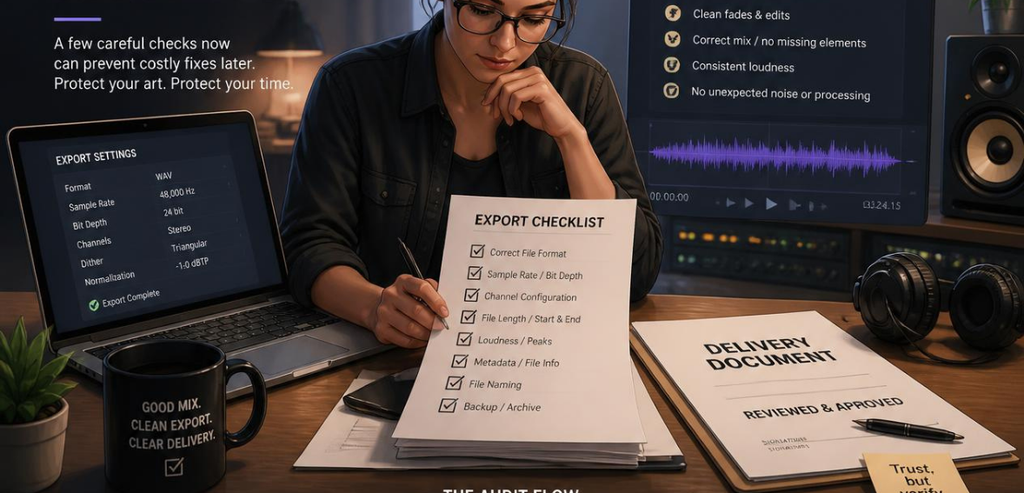
Once the export works, make sure the paperwork backs it up. Contracts outlive salespeople and account managers, so the language is what protects you in the long term.
Pay attention to termination and data sections. Look for export rights that will remain in effect for a period of time after the end of the term. Flag imbalanced termination clauses. More than a third of typical contracts allow termination for convenience with no penalties; therefore, pay close attention to this section and push for symmetry.
Look to see what the vendor will be able to do with your data. The license should be restrictive and prevent the vendor from engaging in any other activities. Violations of this should elicit a hard line and a redline. In guides to key SaaS agreement provisions, it is recommended that a minimum of 30 days to export data before deletion, with clear ownership, be negotiated. If a provision is vague, request that it be clear.
Watch the Vendor Landscape: Mergers and Sunset Products
Your export rights matter most when the ground shifts under you. And in the studio software market, it shifts often. Vendors get acquired. Products get discontinued. Pricing gets restructured. When that happens, the data you exported yesterday is your safety net.
Mindbody
Mindbody is one of the oldest scheduling, billing, and management tools geared toward fitness and wellness businesses. Mindbody claims that studios can permanently export their data when they choose to leave. However, Mindbody’s history paints a different picture of data export readiness. As an example, Mindbody shut down its in-house FitMetrix performance tracking tool and transitioned clients to a third-party tool. Many studio owners found this to be disruptive. The one saving grace in a situation like this is that if a tool you rely on goes away, you at least have your data.
WellnessLiving
WellnessLiving offers all-in-one solutions and claims to offer a migration path from other systems, including Mindbody. They also assign an onboarding specialist to perform client, booking, and payment data imports, and will often even perform a first data import as your old system is still active. Migration support of this nature should be a requirement before you sign a contract. You should always ask any vendor if they are willing to help you with the data migration, as well as whether they will help you with the data migration when you leave their solution.
Mariana Tek, Vagaro, and Others
There are numerous software solutions with export capabilities in the larger market, such as Mariana Tek, Vagaro, Glofox, and Zen Planner. Each has its own quirky pricing. There is a definite risk of consolidation. Recently, one large fitness technology company was formed after a multi-billion-dollar merger consolidated a group of known brands. When companies merge, so do their roadmaps, integrations, and prices, often very quickly. When choosing a solution, you should perform an audit of the studio software data export capability of each to avoid losing leverage. This is best done now rather than after an unexpected change.
Conclusion
Choosing studio software is a long-term commitment. The features win the demo, but the exit terms protect your business. Data ownership only counts if you can act on it, and that means clean exports, fair contract language, and a tested process you have actually seen work.
So slow down before you sign. Run the export checklist. Test a real file. Read the termination clauses. Confirm your data comes out in an open format, on demand, at no punishing cost. Do that, and you turn a risky commitment into a confident one. Your studio’s data is one of its most valuable assets. Make sure the contract treats it that way, and make sure you can always take it with you.
Frequently Asked Questions
What is a studio software data export, and why does it matter?
A studio software data export is the process of pulling your business records out of a platform in a usable file, such as CSV or JSON. It matters because it determines whether you can switch vendors, negotiate from strength, and keep control of your client relationships. Without a reliable export, you’re locked in.
What data should I be able to export from studio management software?
At minimum, you should be able to export client contact details, booking and appointment history, membership and package status, payment and transaction records, and staff or class notes. A “name and email only” export is a red flag. Confirm the full scope in writing before signing.
How long should I have to retrieve my data after I cancel?
There’s no universal law, but a common and reasonable protection is at least 30 days after termination before the vendor deletes anything. Some vendors offer longer windows. Just make sure the post-termination retrieval period is written into the contract and is long enough to complete your migration.
Can a vendor really keep my data if I don’t pay?
It depends entirely on the contract. Some agreements suspend access during a billing dispute, which can cut you off from business-critical records. Push for portability rights that survive a payment disagreement, and read the suspension and termination clauses closely before you sign.