
Payment Processing Built Into Cloud Studio Manager

Every Way a Member Pays
At the Desk
Tap or insert on the counter terminal, or key a card manually. Open a tab, split a payment, add a tip, and print or text the receipt. Each sale is tied to the member who made it.
Online and in the App
Members pay by credit or debit card or ACH when they book, buy a pack or renew a plan in the portal or mobile app. Saved cards make the next purchase one tap.
Autopay for Every Plan
Monthly and annual memberships charge on schedule, billing dates advance on their own, and a declined card goes to a recovery queue with the reason attached instead of quietly lapsing.
Card on File, Priced Like Card in Hand
Keep a member's card securely on file for autopay and counter charges. A card-on-file charge carries the same fee treatment as a card presented in person, so there is no second rate to explain.
From Card Tap to Closed Books
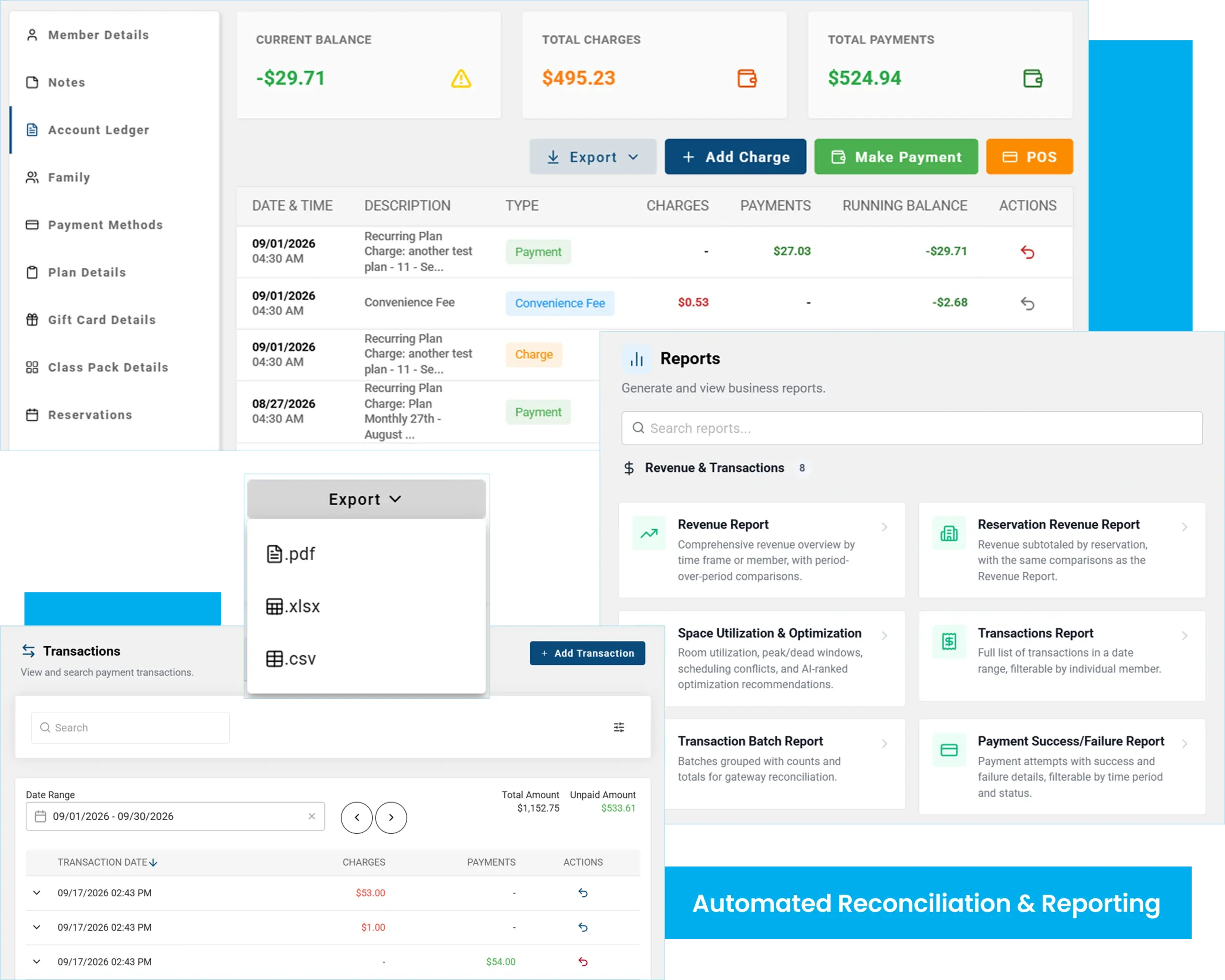
- Refunds, voids and partial payments recorded against the original sale
- Gift cards with live balances, transaction history and mixed payments
- Revenue by source: memberships, packs, drop-ins and retail
- Payment health: failed versus recovered, in one view
- Export any report to CSV, Excel or PDF in one click
- Next-day funding to your bank account
What It Costs
- Interchange-plus pricing
- No application fee
- No software surcharge
- Next-day funding
- 24/7 support
Every Way a Member Pays
01
Create Your Studio Account
Sign up free and set up your plans, packs and retail items. The catalog imports from a spreadsheet if you already have one.
02
Complete the HMS Application
A short online application with no application fee. Approvals typically come back within a business day.
03
Charge the First Card
Terminals ship pre-configured. Autopay, the member portal and the app are live the same day the account is approved.
Locked Down Where It Counts
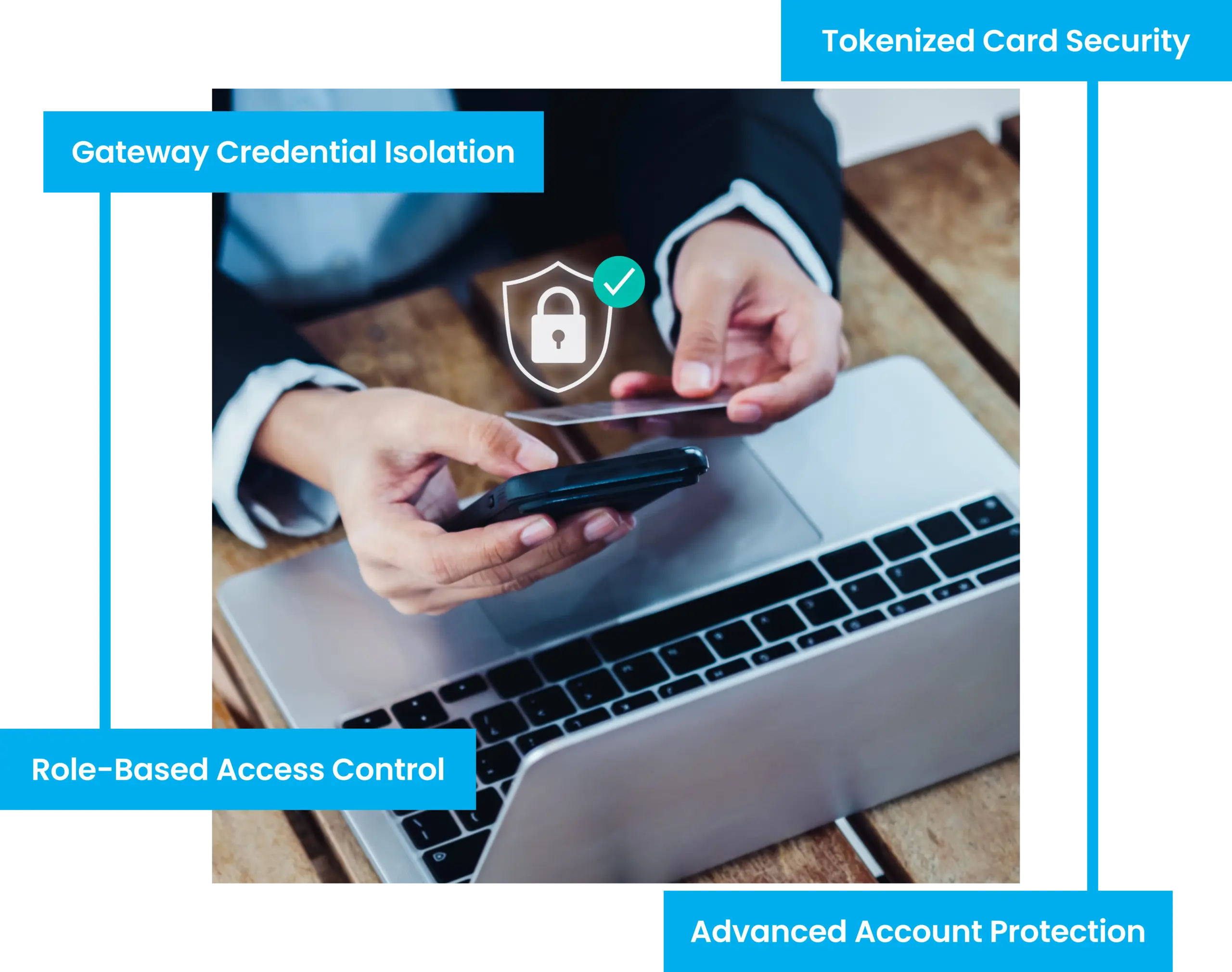
- 01. Card details are entered on secure, hosted payment pages, so card numbers stay off your forms
- 02. Two-factor authentication on every account
- 03. Passwordless sign-in with magic links and passkeys for staff and trainer accounts
- 04. Role-based permissions across owner, front desk, coach and instructor
- 05. Gateway and processing credentials never exposed to studio-side roles