


Fitness studios have been collecting waivers at the front desk for years. And some people think it’s best to wait until just before the user’s first class to run them through. The catch: it’s frustrating at the worst possible time. When people come in late and are ready to go, last-minute questions can delay check-in and give customers and their families a bad experience.
Paper can get lost, and paper waivers are hard to keep or maintain. Digital waivers and signatures are the way to go. Moving them earlier in the customer journey can bring efficiencies, improve compliance, and improve the experience for both employees and customers.
In this article, you’ll learn how to set up a digital waiver workflow that makes it simpler to automatically collect waivers when customers book, and that also helps raise completion rates and overall compliance with your record retention and e-signature requirements.
The Problem with Front Desk Waivers
The front desk waiver process is a bottleneck. If three or more people show up in quick succession, the staff have to answer questions, check in, and handle paperwork all at once. That can delay class start times and frustrate customers who came ready to work out.
For the customer, filling out the waiver at the front desk feels rushed. They may not fully read or understand the paperwork. And paper can get lost, damaged, or stored poorly. All of those issues suggest there’s a better way.
The Shift to Digital Waivers and E-Signatures

Digital waivers allow clients to view and sign them electronically, usually via phone or computer. E-signatures allow you to collect the necessary consent without the headaches of paper signatures.
The advantages are real. You avoid paper handling, reduce the likelihood of errors, and ensure records are securely stored. Plus, it meets the changing expectations of customers who want the most digital way of doing business possible.
By integrating waivers into the booking process, studios ensure compliance is completed before the client arrives.
Integrating Waivers into the Booking Workflow
The timing is everything with digital waiver collection. You don’t want to treat waivers as a separate item; treat them as part of the booking process. If a customer books a class or appointment online, the process can prompt them to complete a waiver before the booking is confirmed. This way, the client completes the waiver while they’re already in the flow.
After the client selects a class, they’re directed to the waiver form, electronically sign the form, and then confirm their booking. Everything is integrated. It removes friction and helps ensure that waivers are completed before anyone sets foot in the studio.
Designing an Effective E-Sign Waiver Workflow

An effective e-sign waiver workflow needs to be both thorough and simple. The client experience needs to be easy, but you also want to capture all required data.
The form has to be easy to read. A lengthy wall of text can easily overwhelm clients and discourage them from completing the document. Readability and format matter — use clear headings, short paragraphs, and plain language.
The signing experience should be quick on both phones and desktop computers. Technical issues or slow load times can cause clients to abandon the process entirely. The workflow also needs to capture data like timestamps, IP addresses, and confirmation of consent. These create the audit trail you need.
Improving Waiver Completion Rates
One of the biggest issues with digital waivers is actually getting clients to fill them out. If the form is too complicated or takes too long, people will skip it or abandon the booking.
To improve completion rates, studios should focus on user experience. A waiver should load fast, work well on any device, and take as few steps as possible. Clear instructions help too. Clients need to understand why the waiver is necessary and how long it will take. Transparency eliminates doubt.
Reminders work. If a client starts the booking but doesn’t complete the waiver, automated reminders can nudge them to finish it up before their session. Some studios see completion rates jump by 20% or more just by adding a single reminder email or SMS sent 24 hours before the class. The more streamlined the process, the more clients will actually finish the waiver.
QR Code Check-In as a Backup Solution
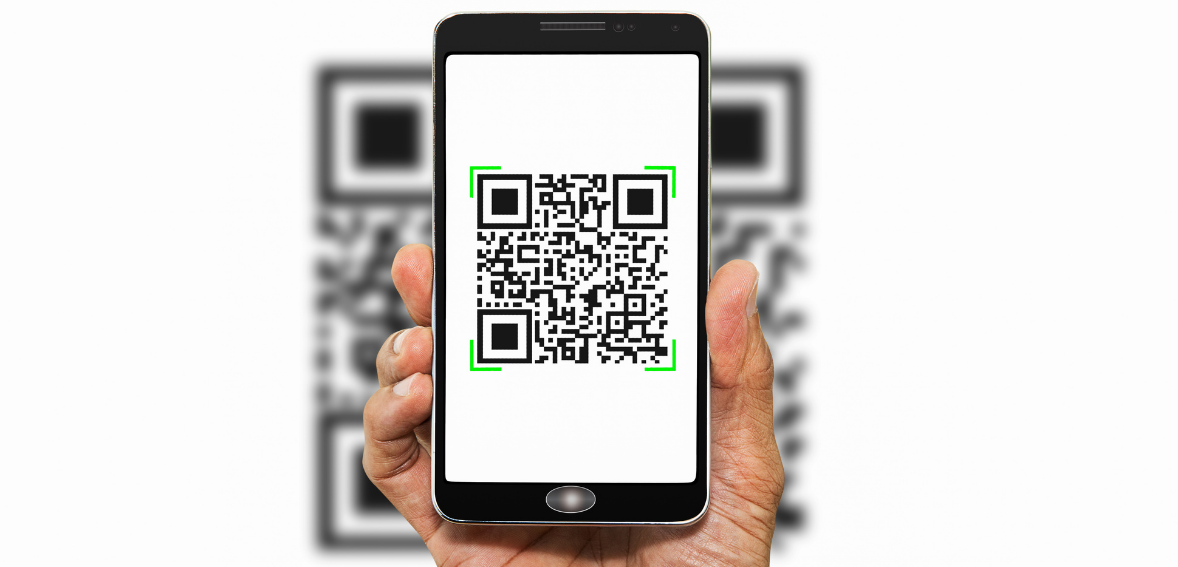
Even the best digital workflow may result in clients showing up before they’ve completed their waiver. QR code check-in can help with this.
At the studio, you can display a QR code at the front desk or entrance. Clients scan the code and complete the waiver on their mobile device right there. It’s quicker than a paper form, saves staff time, and lets the client handle it themselves.
QR-based solutions also capture all data digitally, preserving the integrity of your records. It’s not the ideal flow — you want the waiver done before arrival — but it’s a solid backup that’s miles better than paper.
Automating Intake Forms and Data Collection
Digital waivers can often be part of a larger intake process where you’re collecting personal information, health details, preferences, and emergency contacts. Automating these forms, along with waivers, adds even more value.
When you combine the waiver and intake form into one flow, you collect all the information in one place. This reduces duplicates and gives your staff everything they need before the client even shows up.
Automation also validates data as it’s entered. You can enforce required fields and field formats, reducing errors and improving accuracy. Instead of chasing clients for missing information after they’ve already arrived, you have clean, complete records from the start.
Ensuring Legal Validity of E-Signatures

E-signatures are legally valid, but they must meet certain requirements to be enforceable. Your studio’s system has to meet those requirements.
Consent: Clients have to explicitly agree to sign electronically and understand what they are signing. This is typically done through a consent statement built into the workflow.
Authentication: The system must verify the identity of the person signing, typically via an email address or account login.
Records: The system must store the signed document and be able to retrieve it, including metadata such as IP addresses and timestamps.
If you have all these in place, your digital waivers should be as legally enforceable as paper ones.
Record Retention and Audit Trails
Proper record retention is a part of any compliance or risk management strategy. Waivers stored in digital systems should be retained for the required period and readily available for retrieval when needed.
An audit trail is an integral part of a digital waiver solution. It creates a detailed record of the signing process — when the document was viewed, when it was signed, and any other actions taken. This data can prove critical in the event of a dispute or legal action. It shows that the client had the opportunity to review the waiver and gave informed consent.
Retention policies should be compliant with local regulations and industry standards. Data should be backed up and stored securely. If you can’t pull up a signed waiver from two years ago when you need it, the system isn’t doing its job.
Enhancing the Customer Experience
Digital waivers don’t just work for studios’ operations — they also improve the customer experience. They smooth out friction at the front desk to make studios more welcoming and efficient.
Clients appreciate being able to complete forms on their own time. They can read through the information carefully and come ready to go. A quicker check-in sets the tone for a great visit. No paperwork means more time for the workout or class. That leads to happier clients, better retention, and more positive reviews.
Training Staff and Aligning Processes
For digital waivers to be effective, your staff needs to be on the same page. Everyone involved in the waiver process needs to understand how it works and why it matters. They should be able to walk clients through the process, answer questions, and troubleshoot any problems.
Internal procedures and protocols help staff stay consistent and reduce confusion. You should also educate staff on compliance matters, including data privacy and record-keeping. This helps all team members understand their responsibilities. A smooth digital waiver process starts with a well-trained team.
Measuring Success and Optimizing Over Time
Digital systems deliver data that can be used to improve performance. Waiver completion rate, time to completion, and drop-off points are all metrics that show where improvements are needed.
If you notice that 30% of clients are dropping off at a specific step in the waiver flow, that’s a signal to simplify that step. Maybe the form is too long, maybe the language is confusing, maybe the page loads slowly on mobile. The data tells you where the problem is — you just have to look.
Set a benchmark for your completion rate and track it monthly. Anything above 85% is solid for a pre-booking waiver. If you’re below that, start testing changes — shorter forms, clearer instructions, better reminder timing — and measure the impact.
Overcoming Common Challenges
Not every client will be comfortable with the switch to digital. Some people are used to paper and may push back. The fix is clear communication — explain the benefits in simple terms, show them how easy it is, and offer support if they need it.
Technical snags are the other common challenge. A form that doesn’t load on certain phones, a button that’s hard to tap on a small screen, a confirmation email that goes to spam. Test your system regularly on multiple devices and browsers, and have a backup plan, like QR code check-in, for clients who run into issues.
The transition doesn’t have to be all-or-nothing, either. Some studios run digital and paper side by side for a few weeks while clients adjust. The important thing is committing to digital as the default and phasing out paper over time.
Conclusion: Making Digital Waivers a Strategic Advantage
Collecting waivers during booking, rather than at the front desk, is more than a process improvement. It’s a shift in how your studio operates. It improves efficiency, improves compliance, and creates a better experience for everyone who walks through the door.
Digital waivers and e-signatures enable studios to run more smoothly, reduce administrative workload, and keep accurate records. By embedding these tools into the booking workflow, studios can ensure that every client is prepared before they arrive.
But implementation matters. From creating efficient workflows to staying legal and compliant to monitoring performance, every detail counts. It’s not about replacing paper. It’s about running a better operation.
Frequently Asked Questions
Why should studios collect waivers at the time of booking instead of at the front desk? Collecting digital waivers at the point of booking reduces front desk congestion and streamlines check-in. Clients arrive ready to go, and all required legal documents are completed before any services are rendered. It’s better for the client experience and better for compliance.
How does an e-signature waiver workflow work? An e-signature waiver workflow automatically sends forms to clients via email or SMS after a booking is made. Clients complete their digital signatures on their own devices, and the system securely records consents, timestamps, and other information for easy access and compliance.
What is the value of intake form automation? Intake form automation makes it easy to send, track, and store waivers. Automation reduces paperwork, lowers staff workload, increases accuracy, and ensures that all required forms are completed before clients show up for appointments.
What is QR code waiver check-in? QR code waiver check-in lets a client scan a code at the studio and complete their forms on the spot using their phone. It’s a backup for clients who haven’t completed the waiver before arrival. It’s faster than paper and keeps all records digital.
How do I track waiver completion rates and audit trails? E-sign systems track completion rates and automatically send reminders to clients who haven’t completed their waivers. They also maintain audit trails for all forms, including timestamps, IP addresses, and consent records, for legal and compliance purposes and easy retrieval when needed.